
Elgato Stream Deck+ Review 2026: Best Creator Controller?
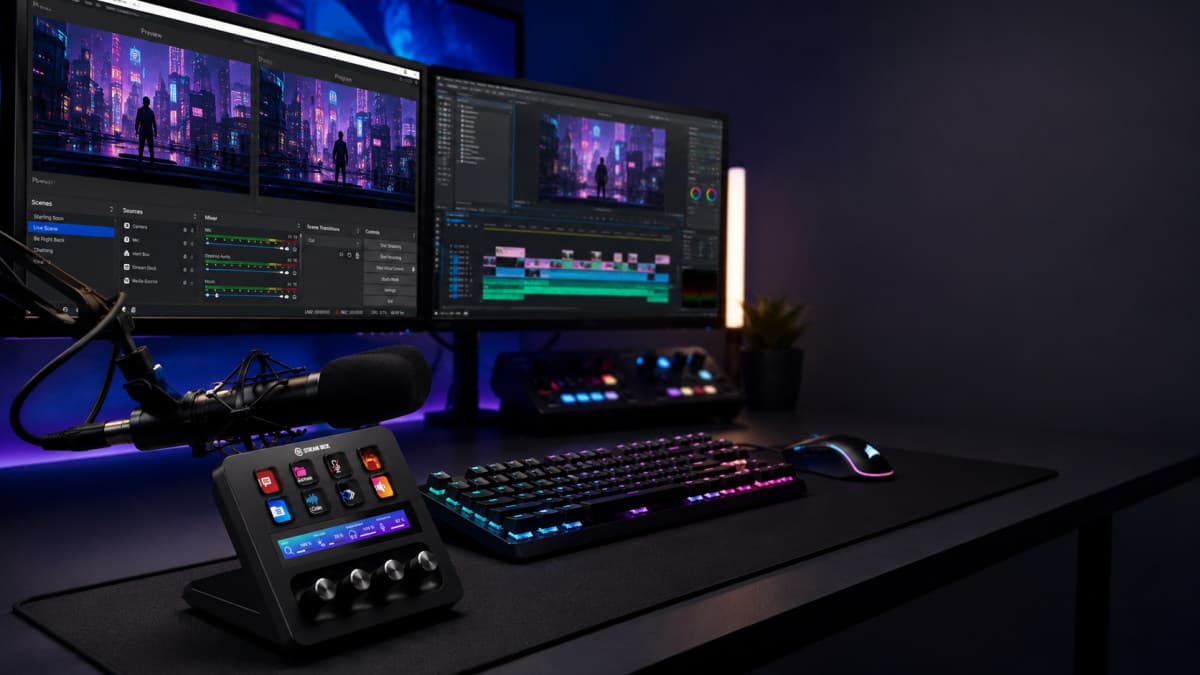
Elgato Stream Deck+ Review 2026: Is It the Ultimate Controller for Creators?
Content creation has become far more complex than simply pressing the "Go Live" button. Streamers, YouTubers, podcasters, musicians, and video editors often manage multiple applications, lighting controls, microphones, cameras, and smart devices simultaneously.
The Elgato Stream Deck+ aims to simplify that workflow by combining customizable LCD keys, tactile rotary dials, a responsive touch strip, and powerful automation software into one premium desktop controller.
With over 3,700 Amazon reviews, a 4.6-star rating, and the #1 Best Seller badge in Digital Audio Workstation Controllers, it's one of the most popular creator tools available.
But is it worth adding to your setup in 2026?
Let's dive into our complete review.

Key Features
8 Customizable LCD Keys
4 Multifunction Rotary Dials
Interactive Touch Strip
Audio Mixer Controls
Multi Actions & Smart Profiles
Works with OBS, Twitch, Discord, Spotify, Adobe Apps & More
USB-C Connectivity
Compatible with Windows and macOS
Design and Build Quality
Elgato continues its premium design philosophy with the Stream Deck+.
The device features:
Matte black finish
Compact footprint
Responsive LCD shortcut keys
Precision aluminum rotary dials
Smooth touch strip
Durable construction
Its professional appearance blends perfectly into gaming setups, streaming stations, podcast studios, or office workspaces.

LCD Keys Make Workflow Faster
The Stream Deck+ includes customizable LCD buttons that can launch virtually any command with a single press.
Examples include:
Launch OBS scenes
Switch cameras
Open applications
Start recording
Control lighting
Trigger macros
Launch websites
Send chat messages
Each key displays a custom icon, making commands easy to recognize instantly.

Rotary Dials Add Powerful Audio and Editing Controls
The biggest upgrade over previous Stream Deck models is the addition of four tactile rotary dials.
They can control:
Microphone volume
Music volume
Discord chat
Game audio
Brightness
Video timeline scrubbing
Photoshop adjustments
Zoom controls
The push-button functionality provides even more control without opening software menus.

Touch Strip Provides Instant Visual Feedback
Located above the dials, the integrated touch strip displays:
Audio levels
Brightness
Slider positions
Plugin information
Mixer adjustments
Unlike traditional macro pads, you receive visual confirmation that every adjustment has been applied.

Excellent Audio Mixer Integration
For streamers and podcasters, audio management is one of the Stream Deck+'s strongest features.
Using Wave Link, you can independently adjust:
Microphone
Music
Browser audio
Discord
Game sound
System volume
This eliminates the need to constantly switch between software windows during live streams.

Huge Plugin Ecosystem
The Stream Deck+ becomes incredibly powerful thanks to Elgato's extensive plugin library.
Popular integrations include:
OBS Studio
Twitch
YouTube
Discord
Spotify
Philips Hue
Streamlabs
Zoom
Adobe Photoshop
Premiere Pro
After Effects
DaVinci Resolve
Camera Hub
Wave Link
Twitter (X)
Thousands of community-developed plugins are also available.

Multi Actions Save Valuable Time
Instead of assigning one action per button, Stream Deck+ allows Multi Actions.
For example, one button can:
Launch OBS
Turn on studio lights
Start camera
Open chat
Load music
Begin recording
All automatically.
This feature dramatically improves productivity.
Smart Profiles Automatically Switch Layouts
One of the smartest features is Smart Profiles.
When you open an application like:
Premiere Pro
Photoshop
OBS
DaVinci Resolve
Streamlabs
the Stream Deck+ automatically changes to a layout specifically designed for that software.
No manual switching required.

Setup Is Beginner Friendly
The Stream Deck software uses a simple drag-and-drop interface.
You simply:
Install the software
Connect via USB-C
Drag actions onto keys
Customize icons
Assign shortcuts
Even beginners can build useful workflows within minutes.
Performance
During testing, commands execute almost instantly.
Performance highlights include:
Fast response time
Reliable USB-C connection
Stable software
Smooth dial rotation
Responsive touch strip
Excellent LCD brightness
Whether controlling live broadcasts or video editing sessions, the experience remains fluid.

Compatibility
The Stream Deck+ supports:
Windows PCs
macOS
OBS Studio
Streamlabs
Adobe Creative Cloud
Final Cut Pro
Twitch
YouTube
Discord
Spotify
Philips Hue
Elgato Camera Hub
Wave Link
It also works with countless third-party applications through plugins.
Who Should Buy the Elgato Stream Deck+?
This controller is ideal for:
Streamers
YouTubers
Twitch creators
Podcasters
Video editors
Music producers
Live broadcasters
Professionals working with multiple applications
Smart home enthusiasts
Productivity power users
Pros
- Premium build quality
- Excellent LCD shortcut keys
- Responsive rotary dials
- Interactive touch strip
Cons
- Premium price compared to basic macro pads
- Requires learning advanced features for maximum value
- Wired USB-C connection only
Specifications
Our Verdict
The Elgato Stream Deck+ is more than just a programmable keypad. It combines LCD shortcut keys, rotary dials, touch controls, and extensive plugin support to automate nearly every aspect of content creation. Whether you're streaming on Twitch, editing videos, recording podcasts, or managing a smart workspace, this controller saves time and makes complex tasks effortless.
Frequently Asked Questions
Is the Elgato Stream Deck+ worth buying in 2026?
Can the Elgato Stream Deck+ control OBS Studio?
Does the Elgato Stream Deck+ work with Mac?
Can the Stream Deck+ be used as an audio mixer?
Who should buy the Elgato Stream Deck+?
Where to Buy Elgato Stream Deck +, Audio Mixer, Production Console and Studio Controller
James Carter
AuthorSenior product reviewer and affiliate marketing specialist with 10+ years testing consumer electronics, home goods, and lifestyle products.
You Might Also Like
MSI MAG 274CF X24 Review 2026: Best 240Hz Gaming Monitor?
The MSI MAG 274CF X24 is a 27-inch Full HD gaming monitor featuring a 240Hz refresh rate, 0.5ms response time, and AMD FreeSync Premium support. Built for competitive gamers, it delivers smooth gameplay, strong contrast, and excellent value for esports enthusiasts in 2026.
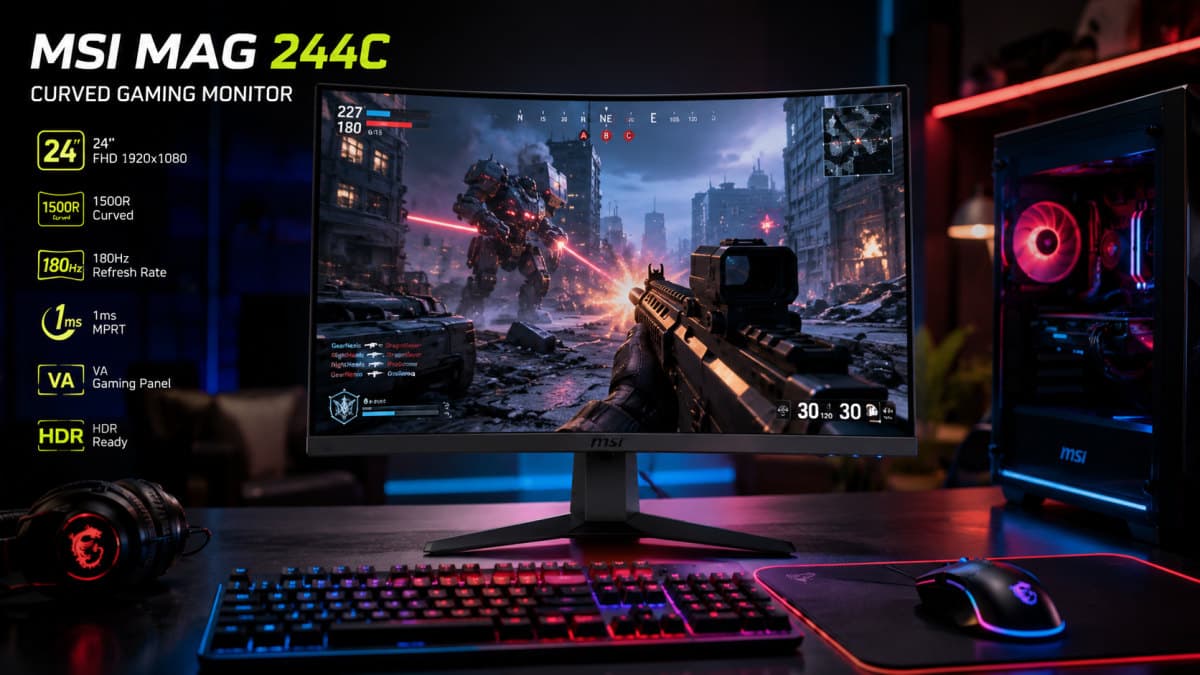
MSI MAG 244C Review 2026: Best Budget 180Hz Curved Gaming Monitor?
The MSI MAG 244C combines a 180Hz refresh rate, 1ms response time, FreeSync support, built-in speakers, and ergonomic adjustments into an affordable gaming monitor package. Here's our full review and verdict for 2026.
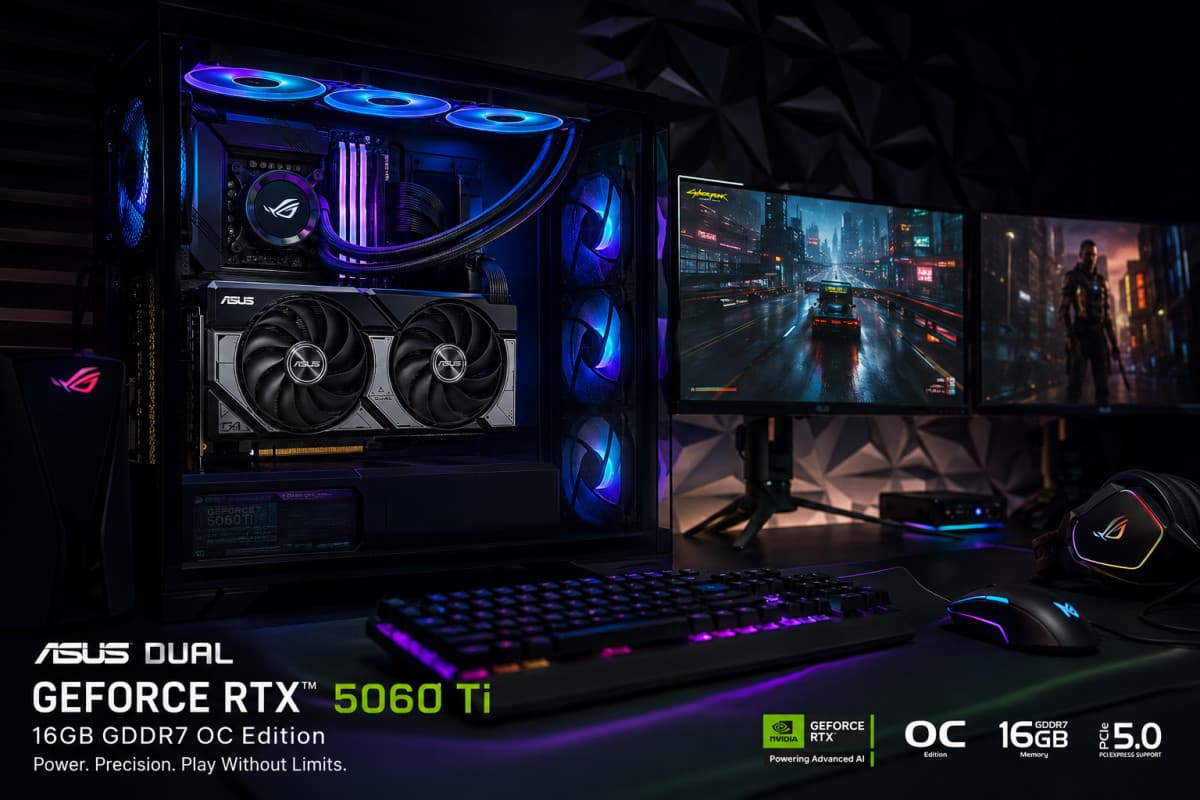
ASUS Dual RTX 5060 Ti 16GB Review 2026: Best DLSS 4 GPU?
The ASUS Dual NVIDIA GeForce RTX 5060 Ti 16GB GDDR7 OC Edition combines NVIDIA's Blackwell architecture, 16GB of GDDR7 memory, DLSS 4, PCIe 5.0, and 767 AI TOPS into a compact, SFF-ready graphics card. Designed for smooth 1080p ultra and 1440p gaming, AI-assisted workloads, and creative applications